






Recent Projects
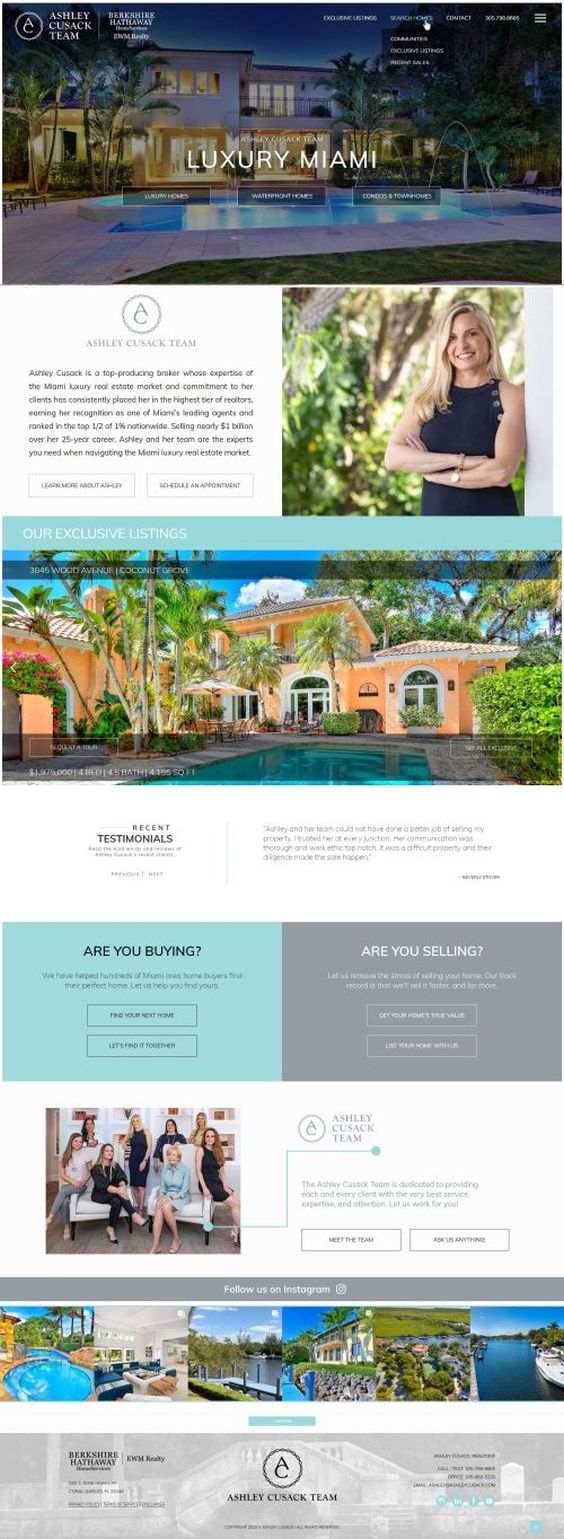
AshleyCusack.com
NEEDS:
- Website Re-Design
- Neighborhood Showcase
- Listing Showcase
Ashley has been a client since 2009 and this was our 3rd real estate website design together. 100s of pages, custom listings, custom neighborhoods, and blog posts were all given a contemporary and elegant makeover. Ashley's clientele are expecting a luxury impression and want to see their home showcased in the brightest lights. We aimed to deliver that and more, ensuring a confident presentation of her team and their expertise.
"Working with the Real Estate Tomato on our new website was such a smooth experience. They approach it with a great ease and it is has been a rather fast process. Thank you Real Estate Tomato!"
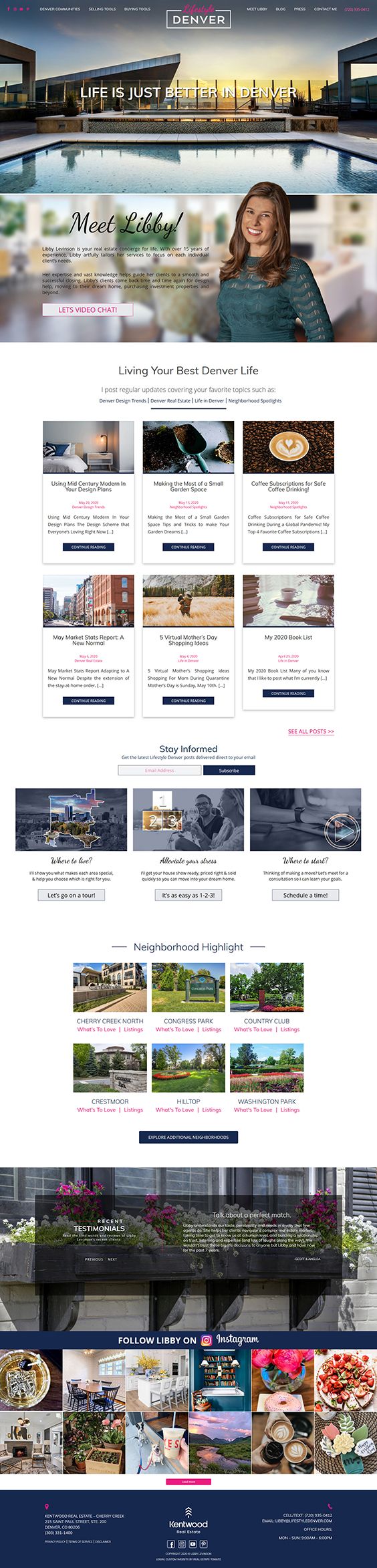
LifestyleDenver.com
NEEDS:
- Website Re-Design
- Message Development
- Target Establishment and Focus
- Neighborhood Showcase
Libby has been a long-time client, with an already successful real estate website. But it was time to modernize the look, and improve the messaging to better target her desired clientele. We needed to present Libby, her voice, and her expertise in an exciting fashion. Once we clearly established who the intended audience was, it was our task to design and organize the website in a manner that would be attractive and useful to them.
"The website is beautiful. It has helped me focus my business and focus on my “dream clients,” while building the dream website to engage with them. Thank you Real Estate Tomato! I’m a raving fan for the second time around.”
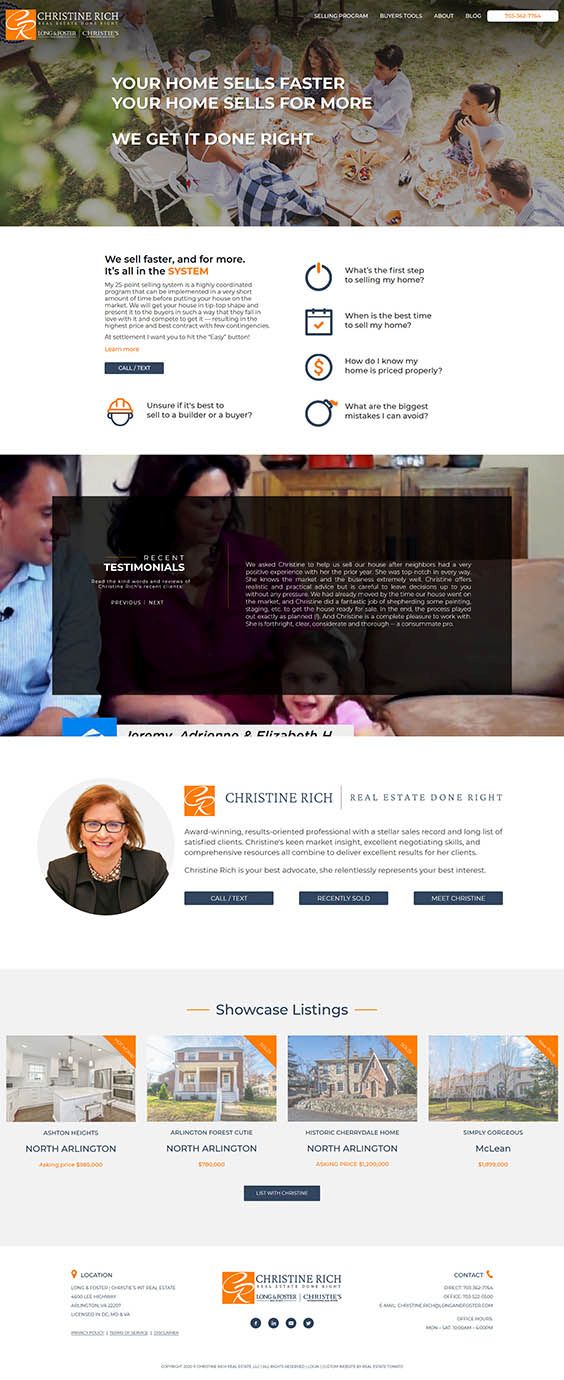
ChristineRich.com
NEEDS:
- Website Re-Design
- Message Development
- Target Establishment and Focus
Christine was in need of a website makeover that reflected her business strategy. She wanted to avoid "looking like everyone else" and especially stand out to her target audience: Downsizing Sellers. Her goal was to focus on impressing them with her abilities and expertise. A couple of intense conversations helped us boil down her messaging, establish her clients' pain-points, and develop a brand strategy that cuts to the chase.
“RET quickly understood my vision, bringing my old site up to current style and standards. They were amazing at helping me transform my site into something that clearly and concisely communicates exactly what I wanted. Working with Real Estate Tomato is such a pleasure and they created an incredible website”






4 key decisions determine
how effective a website
you’ll have.
Doing what everyone else does keeps you mediocre.
Break out. Let’s create a site that truly impresses.